---
updatedAt: 2025-11-12T00:59:07.000Z
agentTools:
projectIndex: https://poe-for-creators.readme.io/llms.txt
---
# Canvas limitations
## Client only
Canvas apps are single-file HTML applications. They cannot run server-side code. Apart from loading resources from CDNs (see *Fetching external resources*), they generally cannot connect to external servers.
## No included database
Canvas apps do not have an included way to persist data. This will change in the future. If you have your own server that can persist data, a canvas app can connect to it after disabling the CSP (see *Fetching external resources*). Alternatively, you can read/write data by sending messages to a server bot that you control.
## Light/dark mode
Light/dark mode always works on Chrome and Firefox. On Safari, the canvas app will inherit the light/dark mode setting of the operating system, not Poe.
On [poe.com/settings](http://poe.com/settings) there are 3 different color scheme options:
* Forced light mode
* Forced dark mode
* System (inherit color scheme of system)
This means if the user has selected *Forced light mode*, and the operating system is in dark mode, in Safari the Canvas embed will show up as dark mode.
## Service Workers and Shared Workers
Service workers and Shared workers are not enabled.
## Web Workers
Only web workers initialized using `blob://` or `data://` urls are enabled.
## Webcam and microphone
Webcam and microphone access is disabled for canvas apps.
## Local storage
Browser local storage APIs are disabled for canvas apps.
## Clipboard
Canvas apps can write to the clipboard, but cannot read from the clipboard.
## History API
Canvas apps cannot use the [History API](https://developer.mozilla.org/en-US/docs/Web/API/History_API).
## Links/navigation
Cross origin links (such as ``) will trigger a “*Do you want to open this url?”* confirmation. If the user confirms, the link will open in a new tab ([example](https://poe.com/ExampleWebsiteLink)).
Same origin links (such as ``) are not possible in canvas embeds.
## File downloads
File download links are enabled.
Similar to standard HTML websites, a clickable download button can be created by rendering a link with the download attribute ( `Download Image`) ([example](https://poe.com/withdownloadbutton)).
If the source of the file to be downloaded is not in the [trusted origins list](https://poe.com/canvas_csp), the download will trigger a “*Do you want to open this url?”* confirmation. If the user confirms, the url will be opened in a new tab.
## Window APIs
Because the canvas iframe lacks the `allow-modals` permission, methods like `alert()`, `confirm()`, `print()`, and `prompt()` will not work. Calling these methods will result in an error message being logged to the browser console.
## Fetching external resources
Canvas apps can load libraries/resources from a set of trusted origins such as [cdnjs.cloudflare.com](http://cdnjs.cloudflare.com) and [cdn.jsdelivr.net](http://cdn.jsdelivr.net).
[View trusted origins](https://poe.com/canvas_csp)
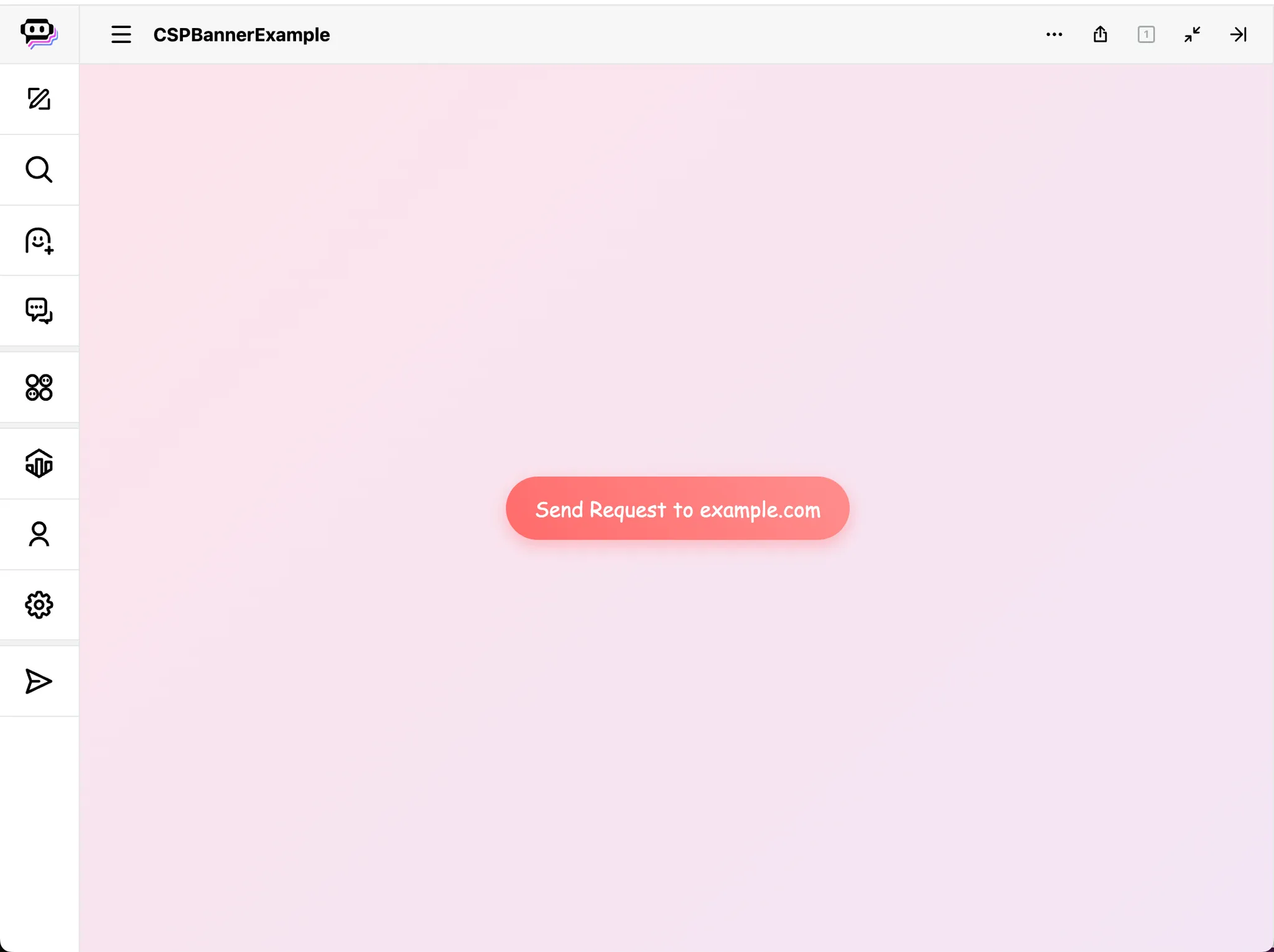
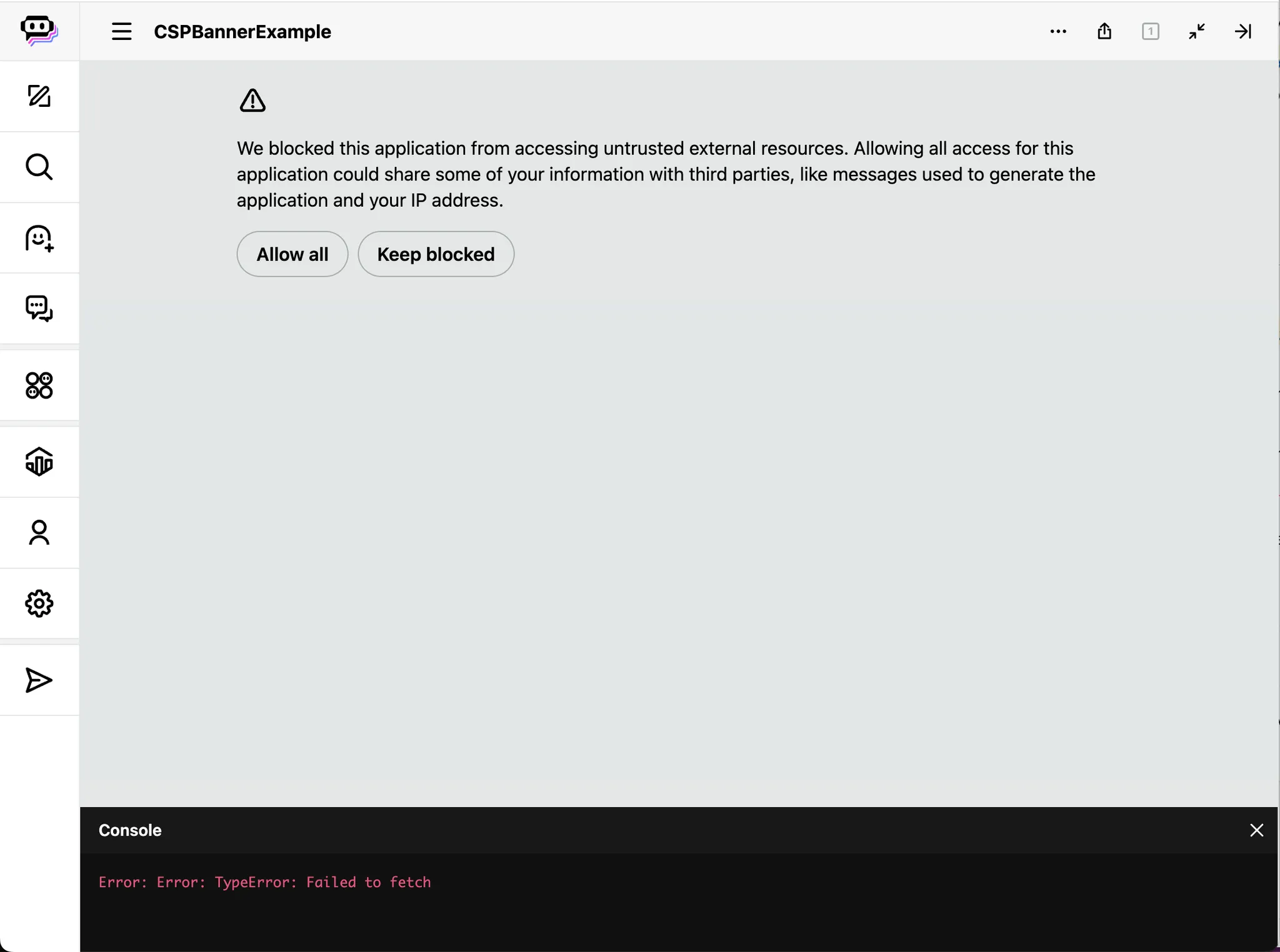
Canvas apps have strict security restrictions that prevent them from connecting with untrusted origins. If the canvas app tries to load an untrusted resource, the *Allow untrusted external resources* confirmation will show. If the user clicks *Allow all*, the canvas app will reload without the security restrictions, and will then be allowed to load any resource.
To avoid triggering the *Allow untrusted external resources* confirmation, we recommended only loading JavaScript libraries or CSS frameworks from a trusted origin.
**Example:**
{`
`}